01
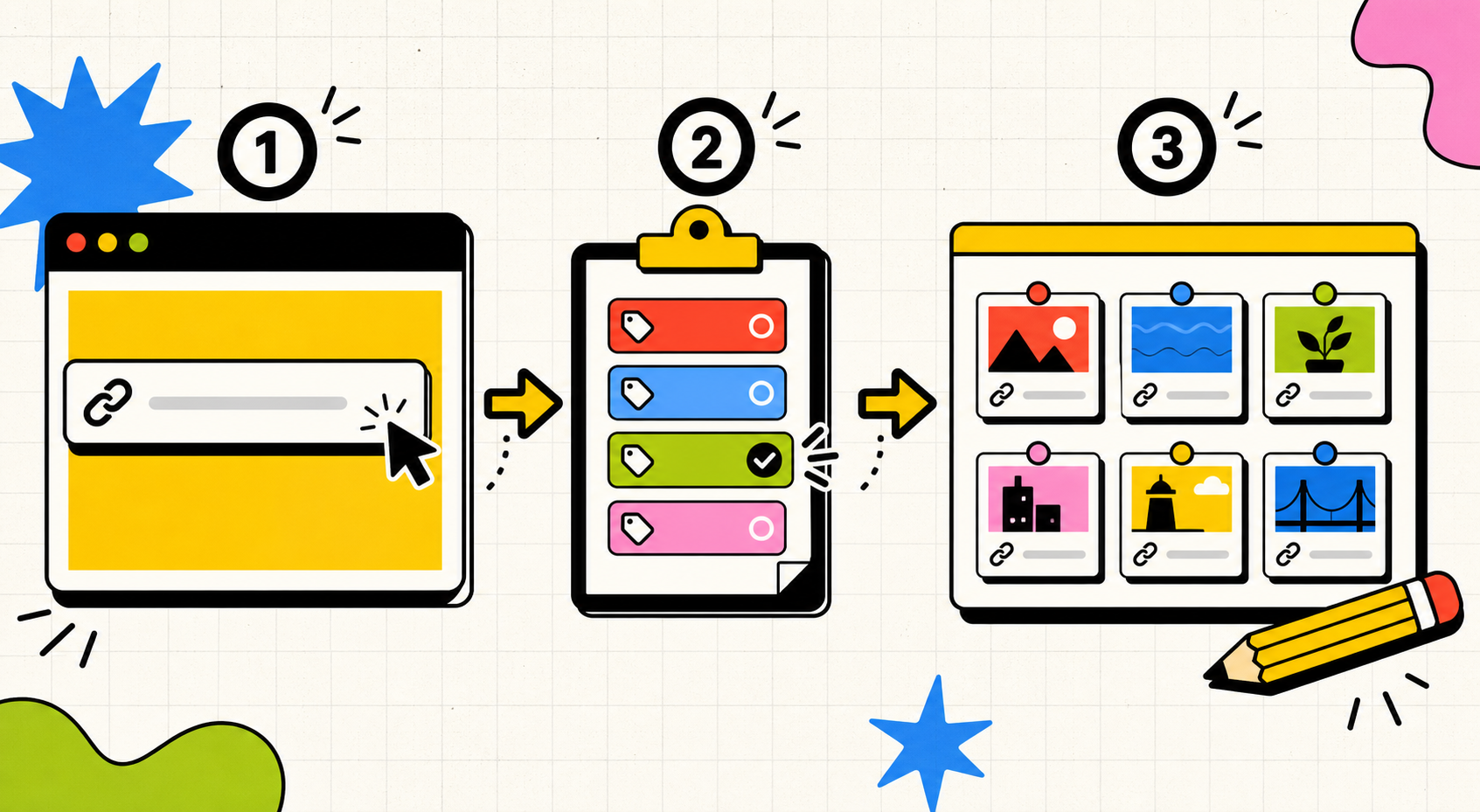
Paste a link
Drop any URL into the saver. Agar Tidak Lupa reads the page title and favicon so the card is useful later.
The app is built for the tiny moment before a useful link disappears into tab chaos.
01
Drop any URL into the saver. Agar Tidak Lupa reads the page title and favicon so the card is useful later.
02
Keep the link in the right mental bucket: article, tool, reference, video, inspiration, or a custom label.
03
Filter your saved links and switch between list or grid view when the collection gets crowded.